
We are delighted to announce the official release of SmartGit 26.1. Thank you to everyone who tested the preview and RC builds and shared feedback along the way.
SmartGit 26.1 comes with
- a broader visual refresh with reworked toolbar icons, improved compare colors, clearer tab and toolbar states, and a darker dark theme
- Git 3.0 compatibility with support for SHA-256 repositories and reftable refs
- new GitLab integration in the Standard window, including merge requests, CI/CD status, direct browsing, and issue-based commit messages
- better worktree workflows, with clean/modified state in Branches and Graph, smoother drag and drop, and improved remove/prune handling
- Commit Overlap in the Graph to spot related commits, likely conflicts, and squash/reorder candidates earlier
- improved AI workflows with Ask AI custom prompts, templates, merge-commit support, and safer rewording of signed commits
- clearer provider configuration handling and improved Pull vs. Pull All behavior for multi-remote repositories
- easier discovery of the main windows and many additional refinements across the Standard and Log windows
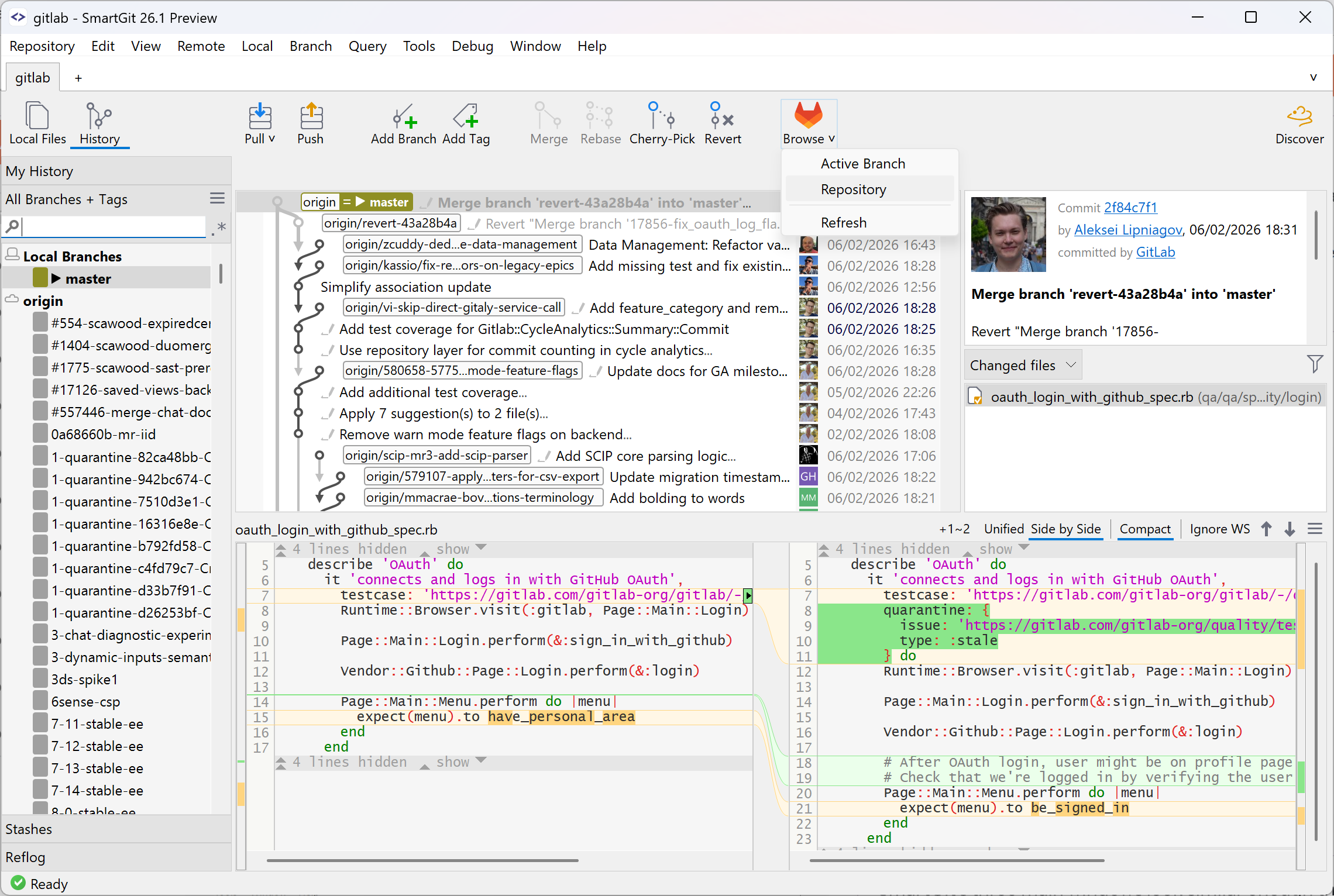
The GA build, 26.1.036, adds another round of polish on top of the preview and RC cycle, including improvements for multi-remote hosting-provider setups, clearer AI-related error handling, a better fixed-width font for Japanese text, improved worktree naming, and fixes in areas such as Commit Overlap, GitLab pipeline handling, licensing, the Log, and the Windows updater.
Check out What's New for a detailed tour of the major improvements in version 26.1, or browse the change log for the full list of changes.
Note: if you already have an existing installation of SmartGit and your license covers updates until 2026-05-18 or later, you will be upgraded automatically during the next couple of weeks.