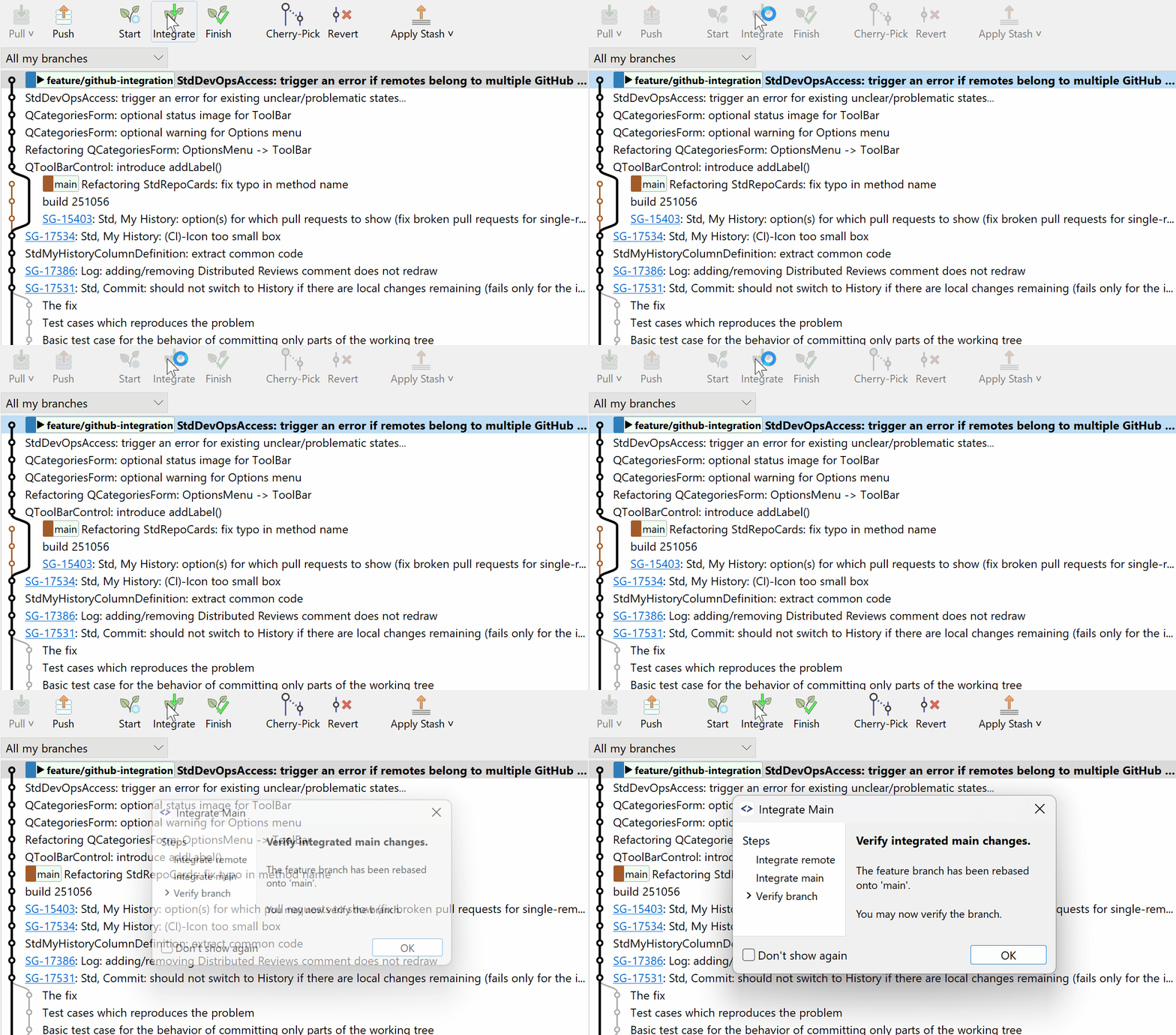
Next day. Next challenge? Or maybe better: I wanted to repeat what I learned.
The day started with a recap with my colleague Marc and you know what? I received an important input and learned something new.
On my first learning day, I created a branch by opening the menu and selecting Add Branch. It worked. But during a conversation with my colleague Marc, I learned that there is a much easier way: Feature Flow.
Feature Flow is SmartGit’s guided workflow for working on a feature. Instead of remembering every Git step yourself, you simply start a feature and SmartGit guides you through the entire process - from integrating new upstream changes to finishing your work with a merge, rebase or squash. It can work with multiple main branches and is useful whether you are working alone or as part of a larger team.
And the best part for a Git newbie like me? Feature Flow includes built-in safeguards that help prevent mistakes. This makes it especially helpful for teams in which some people have years of Git experience and others are still asking: “Which branch am I currently on?”
Here is a great video for it: Feature Flow video